Aggregating OpenAPI docs on a YARP gateway with MMLib.OpenApiForYarp
Years ago I built MMLib.SwaggerForOcelot to solve one annoying problem: you put a bunch of microservices behind an Ocelot gateway, and suddenly there’s no single place to see their Swagger docs. The package grew to 3.8M+ downloads, which still surprises me.
But the world moved on. Ocelot gave way to YARP,
Swashbuckle gave way to Microsoft.OpenApi, and Swagger UI got serious
competition from Scalar. So I rebuilt the idea from
scratch for the modern stack: MMLib.OpenApiForYarp.
💁 If you’ve used SwaggerForOcelot, this is the same idea for YARP.
The problem it solves
You have a YARP gateway in front of several services. Each service exposes its own
OpenAPI document - products has one, orders has another. On their own they’re
useless to a consumer of the gateway, because they describe the service’s own
paths (/products/{id}), not the paths the client actually calls through the
gateway (/api/products/{id}).
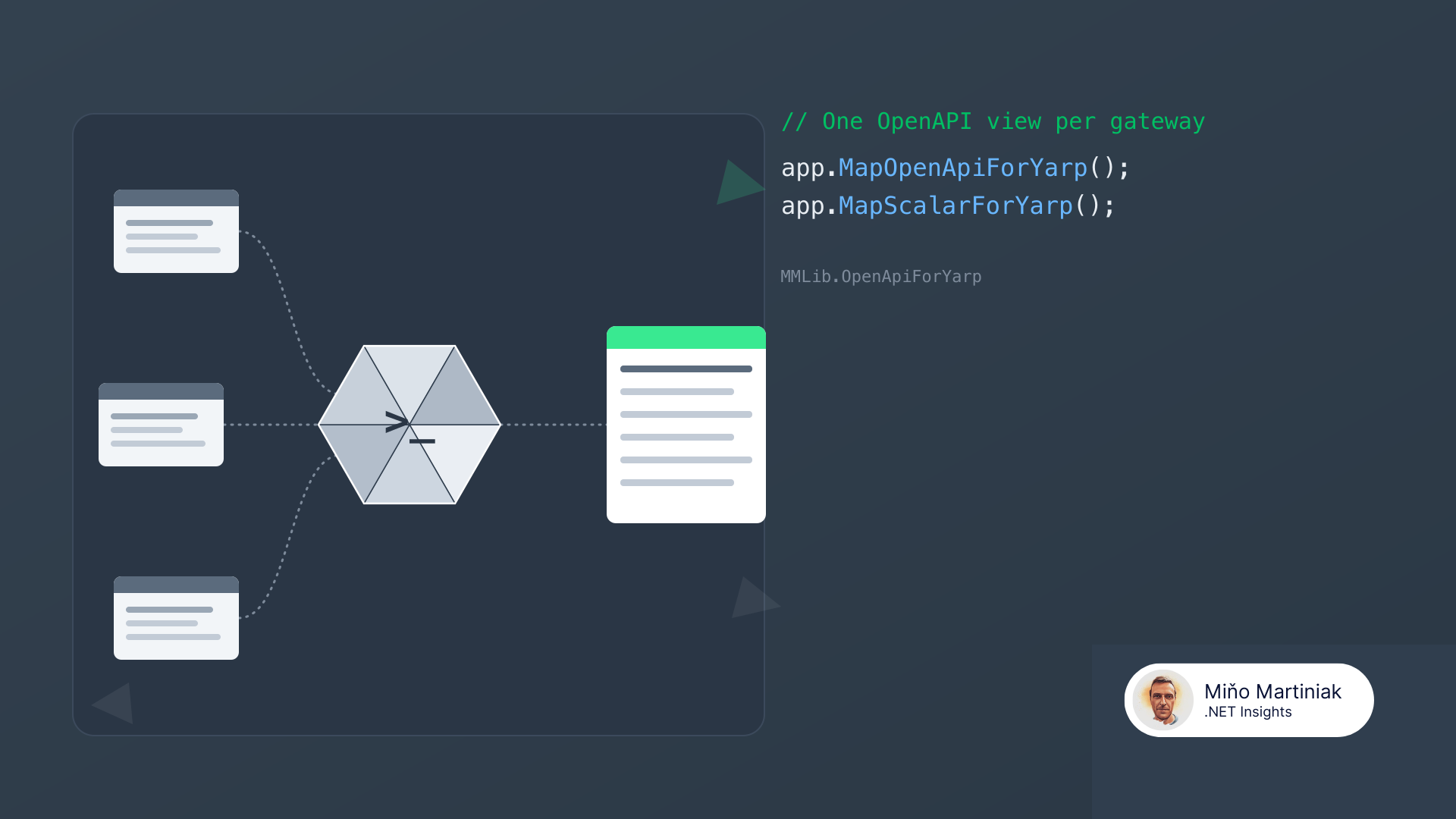
MMLib.OpenApiForYarp fetches each downstream document at runtime, rewrites its paths to match how the gateway exposes them, and serves a clean per-service (or merged) document - then renders it in Scalar or Swagger UI.
Quick start
Install the core plus the UI you want:
dotnet add package MMLib.OpenApiForYarp
dotnet add package MMLib.OpenApiForYarp.Scalar
Wire it up next to YARP in Program.cs. If you already have a reverse proxy, this
is three extra lines:
var builder = WebApplication.CreateBuilder(args);

builder.Services
    .AddReverseProxy()
    .LoadFromConfig(builder.Configuration.GetSection("ReverseProxy"))
    .AddOpenApiForYarp();   // 👈 that's the whole registration

var app = builder.Build();

app.MapReverseProxy();
app.MapOpenApiForYarp();   // 👈 /openapi/{cluster}.json
app.MapScalarForYarp();    // 👈 Scalar UI at /scalar

app.Run();
AddOpenApiForYarp() binds a YarpOpenApi section that sits right next to
YARP’s own ReverseProxy config - no parallel routing config to keep in sync:
{
  "ReverseProxy": {
    "Routes": {
      "products-route": {
        "ClusterId": "products-cluster",
        "Match": { "Path": "/api/products/{**catch-all}" },
        "Transforms": [ { "PathPattern": "/products/{**catch-all}" } ]
      }
    },
    "Clusters": {
      "products-cluster": {
        "Destinations": { "default": { "Address": "https://localhost:5101" } }
      }
    }
  },
  "YarpOpenApi": {
    "Clusters": {
      "products-cluster": { "Title": "Products API", "OpenApiPath": "/openapi/v1.json" }
    }
  }
}
Browse to /scalar and every downstream service shows up as its own tab, with
paths shown exactly as a client calls them through the gateway.
The clever bit: path rewriting
This is the part I’m most happy with. The library doesn’t ask you to redeclare anything - it reads your YARP routes and inverts their path transforms to figure out the gateway-facing path for every downstream path.
| Downstream path | YARP route | Aggregated path (gateway) |
|---|---|---|
GET /products/{id} |
Match /api/products/{**catch-all}, PathPattern: /products/{**catch-all} |
GET /api/products/{id} |
GET /orders/{id} |
Match /api/orders/{**catch-all}, PathRemovePrefix: /api |
GET /api/orders/{id} |
PathPattern, PathPrefix, PathRemovePrefix, and PathSet are all handled out
of the box. Path parameters and catch-all remainders are preserved verbatim.
Scalar by default, Swagger UI if you prefer
The core package has no UI dependency. It exposes the documents through an
IClusterDocumentSource; the .Scalar and .SwaggerUI packages are thin adapters
over it. Want Swagger UI instead of Scalar? Swap one package and one call:
app.MapSwaggerUIForYarp(); // 👈 instead of MapScalarForYarp()
Want your own UI? Resolve IClusterDocumentSource and point your renderer at each
document’s RoutePattern.
A few features worth knowing
You’ll grow into these, but they’re there from day one:
- Merged document. Set
MergeDocuments: trueto also serve/openapi/all.jsoncombining every cluster. Identically-shaped schemas merge silently; genuine name collisions can be auto-renamed instead of silently dropped. - Published-paths filter.
AddOnlyPublishedPaths: truedrops any downstream path that isn’t actually reachable through a YARP route.IncludePaths/ExcludePathsadd regex control over the gateway paths. - Security propagation.
securitySchemesflow through from each downstream document, deduplicated by name. - Service discovery. With
Microsoft.Extensions.ServiceDiscovery(.NET Aspire), logical addresses likehttps://products-serviceare resolved before the document is fetched.
Extensibility: the transformer pipeline
The built-in steps (path rewrite, security propagation, published-paths filter) are themselves transformers. You can append, reorder, or replace them at three granularities - whole document, per operation, or per schema:
builder.Services
    .AddReverseProxy()
    .LoadFromConfig(/* ... */)
    .AddOpenApiForYarp()
    .AddDocumentTransformer<MyDocumentTransformer>()    // 👈 whole document
    .AddOperationTransformer<MyOperationTransformer>()  // 👈 per operation
    .AddSchemaTransformer<MySchemaTransformer>();        // 👈 per schema
There’s even ITransformFactory parity: a class that implements both YARP’s
proxy transform and this library’s document transformer is wired from a single
registration, so your request rewriting and your documentation stay in sync.
Wrap-up
It’s a v1, so there are limits - no request aggregation, no dynamic config reload, and authenticated “Try it out” isn’t wired up yet. But for the core job - one clean, correctly-pathed OpenAPI view of every service behind your YARP gateway - it does exactly what I wanted, and it took three lines to turn on.
Give it a try, and if something’s missing, issues and PRs are very welcome.