TeaPie: Test your REST API in 5 minutes
You have an API. You want to test it. You don’t want to set up a full test project, install a heavy framework, or write a test class just to send a GET request and check the status code.
That’s exactly the use case TeaPie was built for. It’s a CLI tool for API testing that uses plain .http files — the same format you might already know from VS Code’s REST Client extension or Visual Studio’s HTTP Files support. You write the request, optionally add a C# script for assertions, and run it.
Let me show you how to go from zero to running tests in a few minutes.
Spin up a demo API
I’ll use my own open-source project MMLib.DummyApi as the demo backend. It’s a configurable mock REST API that ships with three ready-to-use collections: products, orders, and customers. You can read more about it here.
Start it with Docker:
docker pull ghcr.io/burgyn/mmlib-dummyapi
docker run -p 8080:8080 ghcr.io/burgyn/mmlib-dummyapi
That’s it. The API is running at http://localhost:8080 with 50 seeded products, 20 orders, and 30 customers. Try it:
curl http://localhost:8080/products
Install TeaPie
dotnet tool install -g TeaPie.Tool
Verify it works:
teapie --version
Create the test project
Navigate to the folder where you want to keep your tests and run:
teapie init
This creates a .teapie folder with a default configuration. Now scaffold your first test case:
teapie generate "001-List-Products" Tests/001-Products
This generates a 001-List-Products-req.http file. Open the .http file — it’s where the request lives.
Step 1: Your first test — no C# needed
Open Tests/001-Products/001-List-Products-req.http and write:
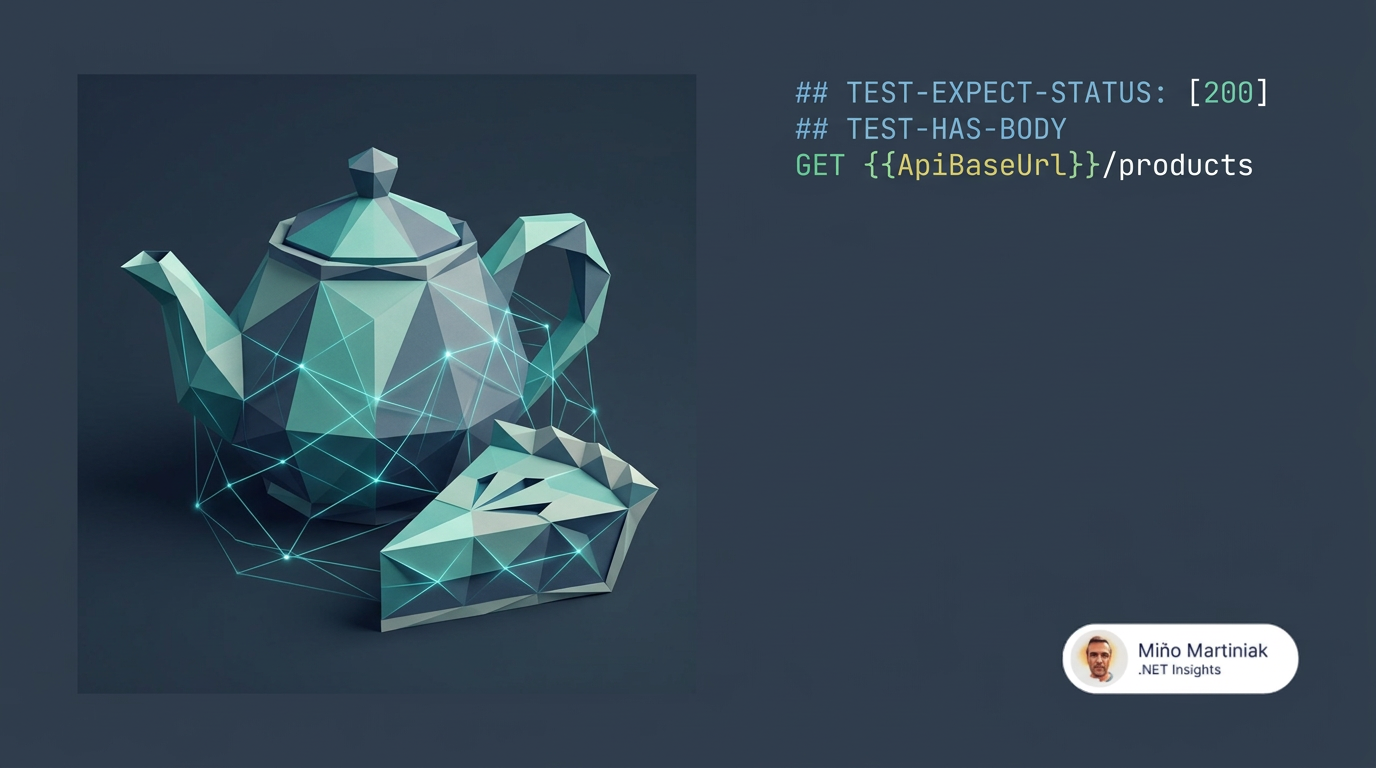
## TEST-EXPECT-STATUS: [200]
## TEST-HAS-BODY
GET http://localhost:8080/products
That’s the whole test. The ## TEST-* lines are directives — TeaPie processes them and schedules the assertions automatically. No .csx script, no C# code, no test class.
Run it:
teapie test Tests/001-Products/001-List-Products-req.http
or
teapie test Tests
You’ll see the result in the console immediately. Two tests pass: status is 200, response has a body.
  _____                 ___   _           _       ___       ___
 |_   _|  ___   __ _   | _ \ (_)  ___    / |     | __|     |_  )
   | |   / -_) / _` |  |  _/ | | / -_)   | |  _  |__ \  _   / /
   |_|   \___| \__,_|  |_|   |_| \___|   |_| (_) |___/ (_) /___|

[21:03:22 INF] Exploration of the collection started at path: '/Users/martiniak/Developer/GitHub/Burgyn/MMLib.TeapieExample/Tests'.
[21:03:22 INF] Collection explored in 4 ms, found 1 test cases.
[21:03:22 WRN] No environment file found. Running without environment.
[21:03:22 INF] Test case '001-List-Products' is going to be executed. (1/1)
[21:03:22 INF] Test Passed: '[1] Status code should match one of these: [200]' in 5 ms
[21:03:22 INF] Test Passed: '[2] Response should have body.' in 1 ms
[21:03:22 INF] Execution of test case '001-List-Products' has finished. (1/1)
╭────────────────────────────────────────────────────────────────────────────────╮
│ Test Results: SUCCESS                                                          │
├────────────────────────────────────────────────────────────────────────────────┤
│                                                                                │
│ ┌─ Summary ──────────────────────────────────────────────────────────────────┐ │
│ │                                                                            │ │
│ │  ████████████████████████████████████████████████████████████████████████  │ │
│ │                                                                            │ │
│ │  ■ Passed Tests [100.00%]: 2          ■ Skipped Tests [0.00%]: 0           │ │
│ │  ■ Failed Tests [0.00%]: 0                                                 │ │
│ └────────────────────────────────────────────────────────────────────────────┘ │
│                                                                                │
╰────────────────────────────────────────────────────────────────────────────────╯
The directive approach is great for quick sanity checks. You don’t need to write any C# until you actually need something more specific.
Step 2: Add a .csx script for meaningful assertions
Directives cover the basics, but they can’t express things like “the response body is an array with at least one item” or “the newly created resource has a positive ID”. For that, you add a post-response script.
Scaffold the create test:
teapie generate "002-Create-Product" Tests/001-Products -t
The -t or --test create test csx file. Two files are created:
002-Create-Product-req.http— the request002-Create-Product-test.csx— the post-response assertions
The request file
# @name CreateProductRequest
## TEST-EXPECT-STATUS: [201]
POST http://localhost:8080/products
Content-Type: application/json

{
  "name": "TeaPie Mug",
  "price": 12.99,
  "category": "merchandise",
  "sku": "MUG-001"
}
The post-response script
await tp.Test("Created product should have a positive ID.", async () =>
{
    // 👇 GetBodyAsExpandoAsync gives you case-insensitive dynamic access to the JSON body
    dynamic body = await tp.Response.GetBodyAsExpandoAsync();
    NotNull(body.id);
    tp.SetVariable("NewProductId", body.id);
});

await tp.Test("Created product should have the correct name.", async () =>
{
    dynamic body = await tp.Response.GetBodyAsExpandoAsync();
    Equal("TeaPie Mug", (string)body.name);
});
tp.Test() is the test runner. Assertions use XUnit’s Assert (the Assert. prefix is optional). The variable NewProductId is stored at collection level — other test cases in the same run can read it.
You can use your favorite assertion framework.
Chain to Get — using request variables
Now scaffold the get test:
teapie generate "003-Get-Product" Tests/001-Products -t
The request file uses a request variable to read the ID from the create response:
# @name GetProductRequest
## TEST-EXPECT-STATUS: [200]
## TEST-HAS-BODY
GET http://localhost:8080/products/{{NewProductId}
The post-response script verifies the right product came back:
await tp.Test("Retrieved product name should match.", async () =>
{
    dynamic body = await tp.Response.GetBodyAsExpandoAsync();
    Equal("TeaPie Mug", (string)body.name);
});
Run the full collection
teapie test Tests/001-Products
TeaPie runs all test cases in order, resolves variables across them, and prints a summary:
╭────────────────────────────────────────────────────────────────────────────────────────────────╮
│ Test Results: SUCCESS                                                                          │
├────────────────────────────────────────────────────────────────────────────────────────────────┤
│                                                                                                │
│ ┌─ Summary ──────────────────────────────────────────────────────────────────────────────────┐ │
│ │                                                                                            │ │
│ │  ████████████████████████████████████████████████████████████████████████████████████████  │ │
│ │                                                                                            │ │
│ │  ■ Passed Tests [100.00%]: 8    ■ Skipped Tests [0.00%]: 0    ■ Failed Tests [0.00%]: 0    │ │
│ └────────────────────────────────────────────────────────────────────────────────────────────┘ │
│                                                                                                │
╰────────────────────────────────────────────────────────────────────────────────────────────────╯
Exit code 0 means all tests passed — which makes it CI-friendly out of the box.
Where you are now
In a few minutes you have:
- A
GETtest that uses only directives — no C# at all. - A
POSTtest with a post-response script that validates the response body and stores a variable. - A
GETtest that chains from the create response using request variables.
The pattern scales. Start with directives for quick checks, add .csx scripts
when you need real assertions.
Part 2:
TeaPie: Testing real-world API scenarios
covers environments, API keys on DummyApi, pre-request variables,
built-in .http functions, and retries (flaky responses vs async background work).